Customer Support
Answer customers instantly.
Bring people in when it matters.
Helmara answers website questions using your own business knowledge, then hands the conversation to a person when confidence is low or human help is needed.
- Install
- Add knowledge
- Visitor asks
- Retrieve
- Answer
- Confidence
- Escalate
- Resolve
- Improve
Start on your website
Support that feels
like part of your business.
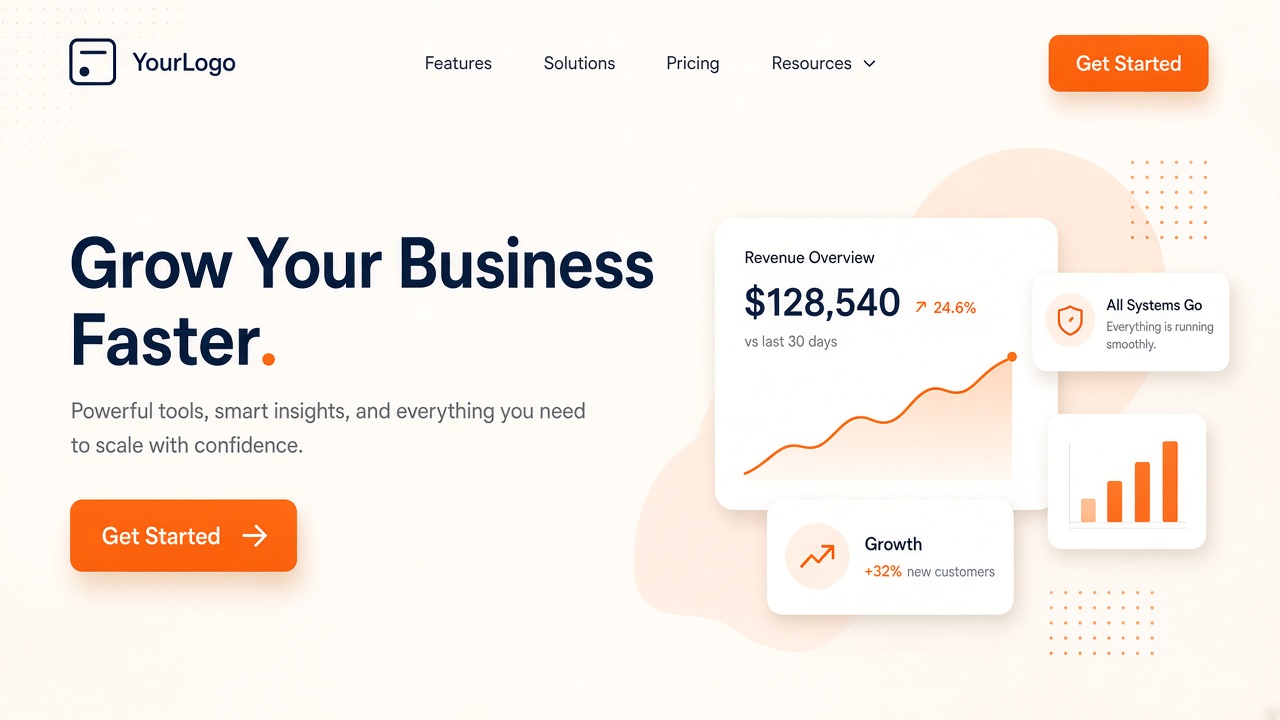
Helmara’s support widget lives directly on your website and can be configured to match your brand and the way you want visitors to interact with it.
Meet visitors where they are
Answer in the language
they’re already using.
Helmara can detect the visitor’s browser language and respond in the same language, helping the website experience feel more natural from the first message.
Your knowledge base
Answers should come
from your business.
Give Helmara the information your business already uses. It turns those sources into a searchable knowledge base that the support agent can use when answering website visitors.
Answers with context
Find the answer.
Then answer the customer.
When a visitor asks a question, Helmara finds the relevant business information first, then uses that context to answer while keeping track of the conversation.
Visitor
How does your cancellation policy work?
Knowledge Base
- Cancellation Policy
- Billing FAQ
Answer
You can cancel anytime from Settings → Billing. Access continues through the end of the current period.
Source · Cancellation Policy
Know when to answer
Confident? Answer.
Not sure? Bring in a person.
Every AI reply has a confidence score. High-confidence answers can send automatically. Low confidence, a human request, or configured keywords like refund and complaint escalate.
High
Low / human / keyword
Built-in boundaries
Helpful doesn’t mean
answering everything.
Set how your support agent should sound and where its boundaries are. Helmara stays focused on the support role instead of treating every visitor message as something it should answer.
- ToneFriendly
- Confidence thresholdConfigured
- Escalation keywordsRefund · Complaint
- GuardrailsOn
When a person is needed
Hand off the conversation.
Not just the problem.
When Helmara escalates a conversation, the human agent receives the context that led there instead of starting from zero.
Visitor conversation
Human agent
Suggested reply
I’ve reviewed your request and can process the refund for last month’s charge. Want me to proceed?
From escalation to resolution
Keep human support
organised too.
Escalated conversations become tickets with lifecycle, priority, categories, SLA tracking and a queue your team can work through.
Ticket #1842
- StatusIn progress
- PriorityNormal
- CategoryBilling
- SLAOn track
AI drafted a reply · Agent reviews before send
Learn from what couldn’t be answered
Every unanswered question
can make support better.
When visitors ask questions your knowledge base cannot answer, Helmara can surface those gaps so your support knowledge becomes more complete over time.
Unanswered questions
- Do you support…
- Can I change…
- What happens if…
See how support is working
See what gets answered,
what gets escalated,
and how long resolution takes.
Track conversation volume, AI versus human split, response times and post-chat CSAT - without inventing performance claims.
FAQ
Customer Support, answered.
Straight answers from how the Support specialist actually works.
The launch version is built around an AI chat widget embedded on your website.
You can build the knowledge base from PDFs, DOCX files, Markdown, HTML, website content and manually created FAQ entries.
No. Responses are confidence-scored. High-confidence questions can be answered automatically, while low-confidence conversations, explicit human requests and configured escalation triggers can be handed to a person.
Yes. An explicit request for human assistance is one of the supported handoff triggers.
The unresolved conversation becomes a ticket and the human agent can receive the conversation context along with an AI-suggested reply that they can edit before sending.
Yes. The widget supports client branding such as colour and logo as well as position and trigger configuration.
The website widget can detect the visitor’s browser language and respond in the same language.
The knowledge-base workflow includes a content-gaps report that surfaces questions the AI could not answer so the knowledge base can be improved.